
120field
Built for the truck,
Not the office

Lorem ipsum dolor sit amet, consectetur adipiscing elit. Suspendisse varius enim in ersssssssss
120Field is the mobile tool that captures fieldwork and syncs it straight into the 120Water platform. General work-order apps and paper processes still require someone to re-enter data later. 120Field doesn't.
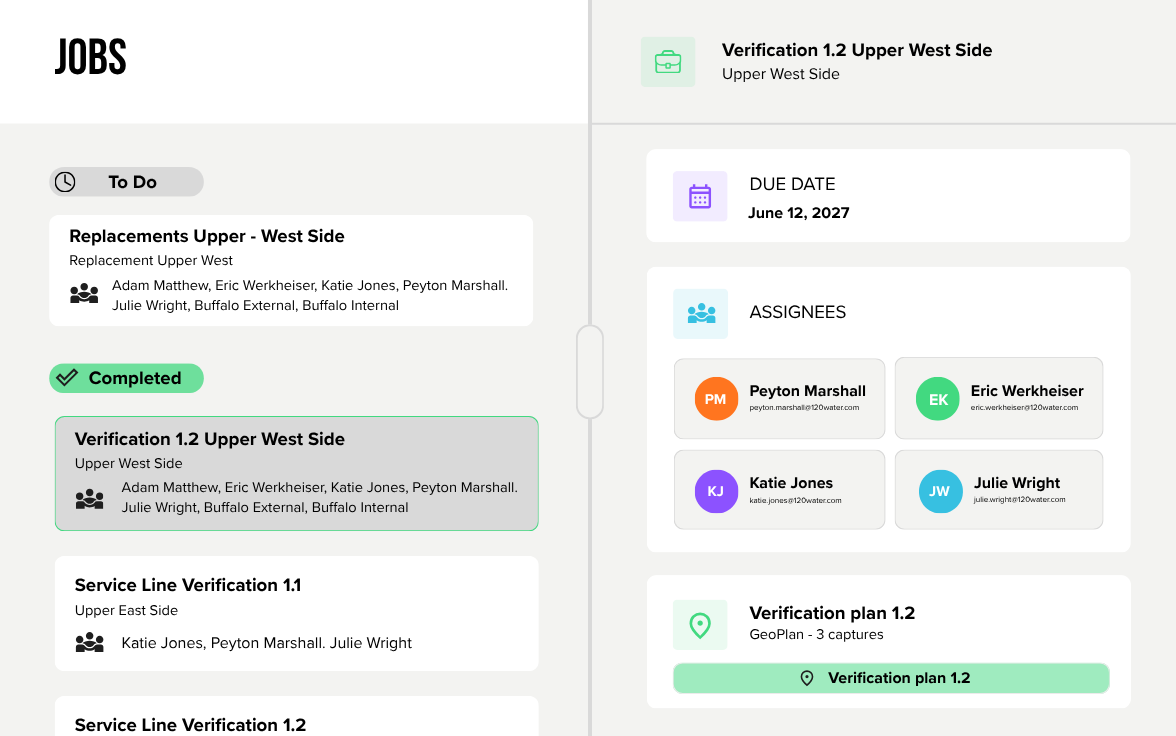

Why 120field

One tool, no clipboard
Centralize field data
No double data entry
Improve crew cooridnation
LCRI compliance on the go

Verifications
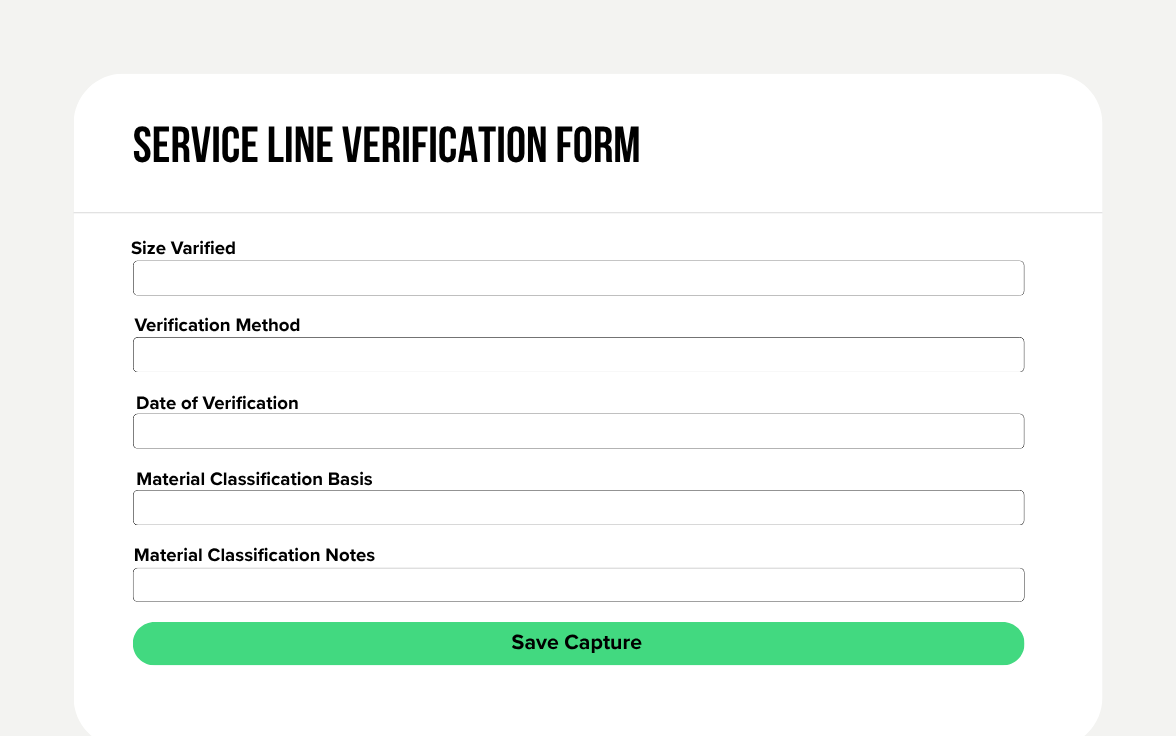
Crews confirm service line material on site, synced straight to inventory.
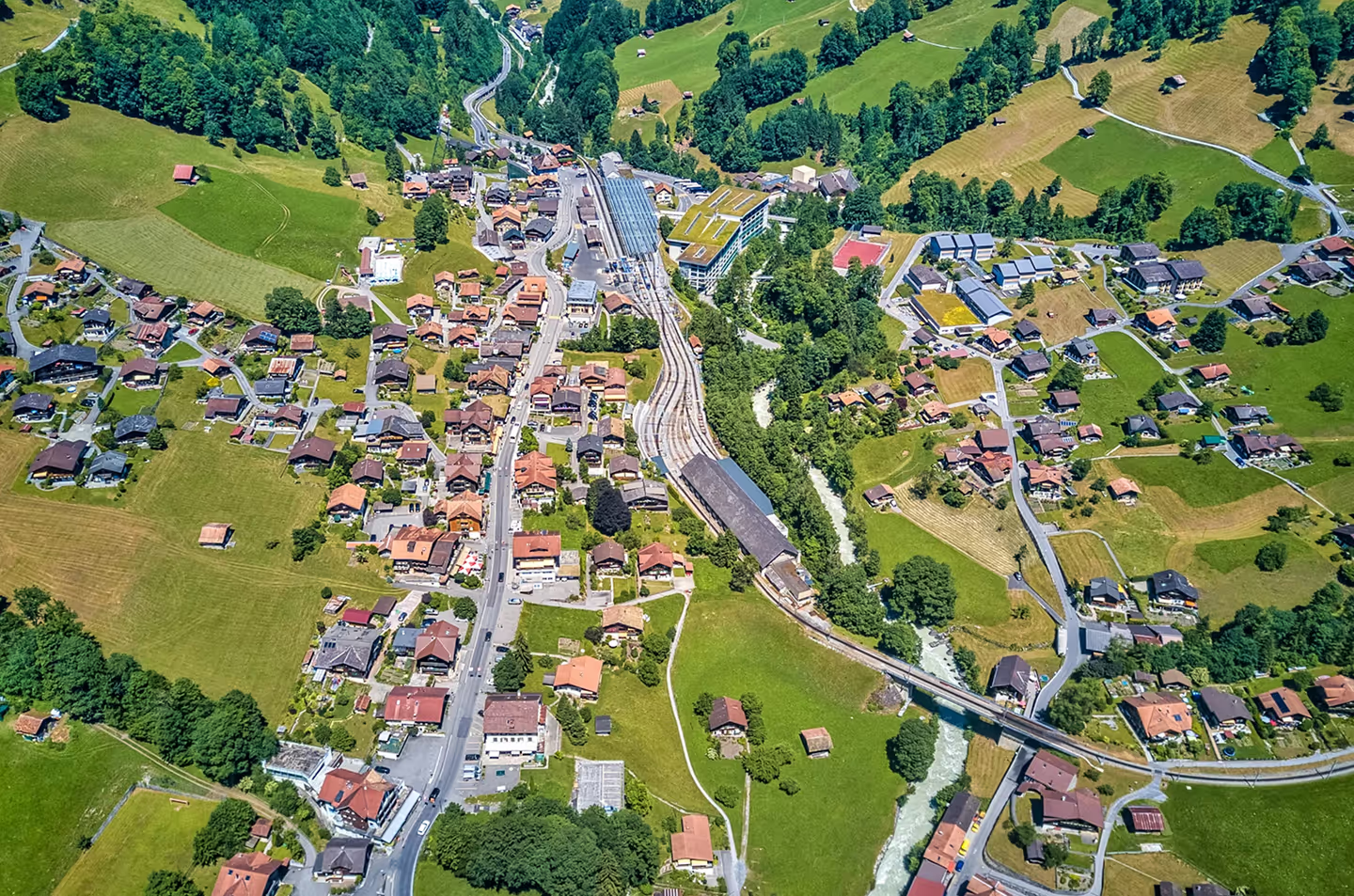
Replacements
A guided, step by step workflow captures every stage, photos included, no rekeying later.

Kit Drop Offs
Log sampling kit deliveries and pickups in the field, synced back automatically.
Here’s how it works

Build a job, assign your team, and add the locations you need.
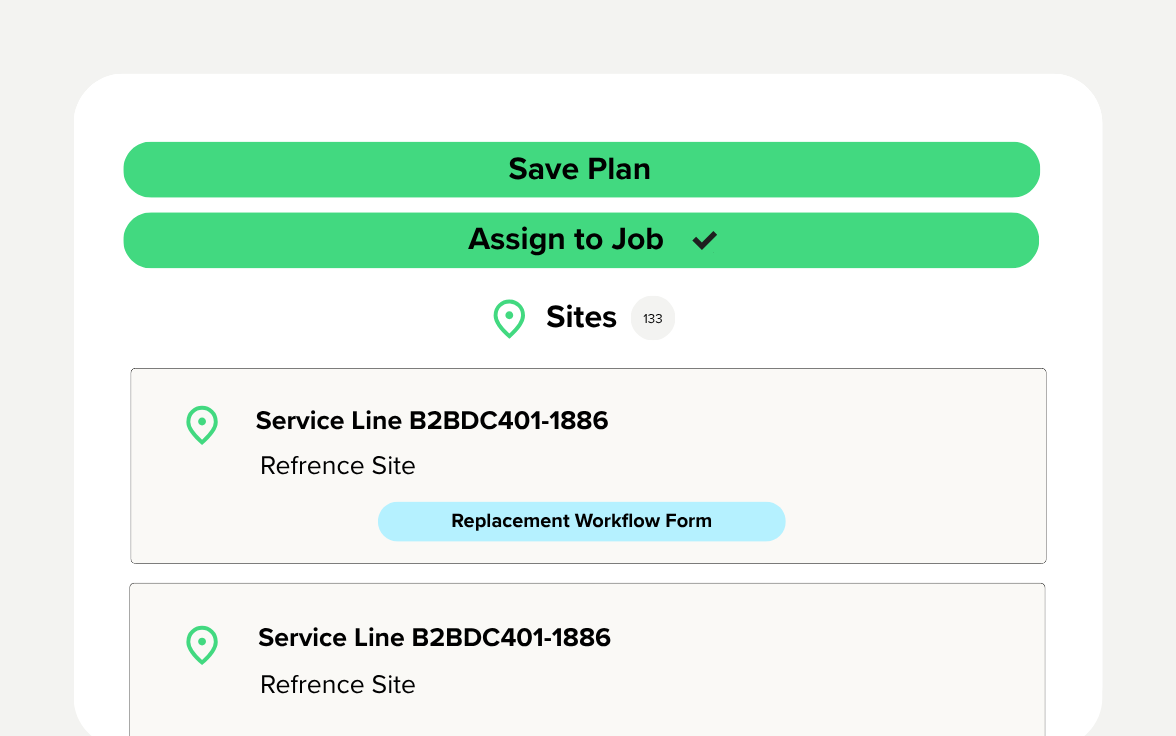

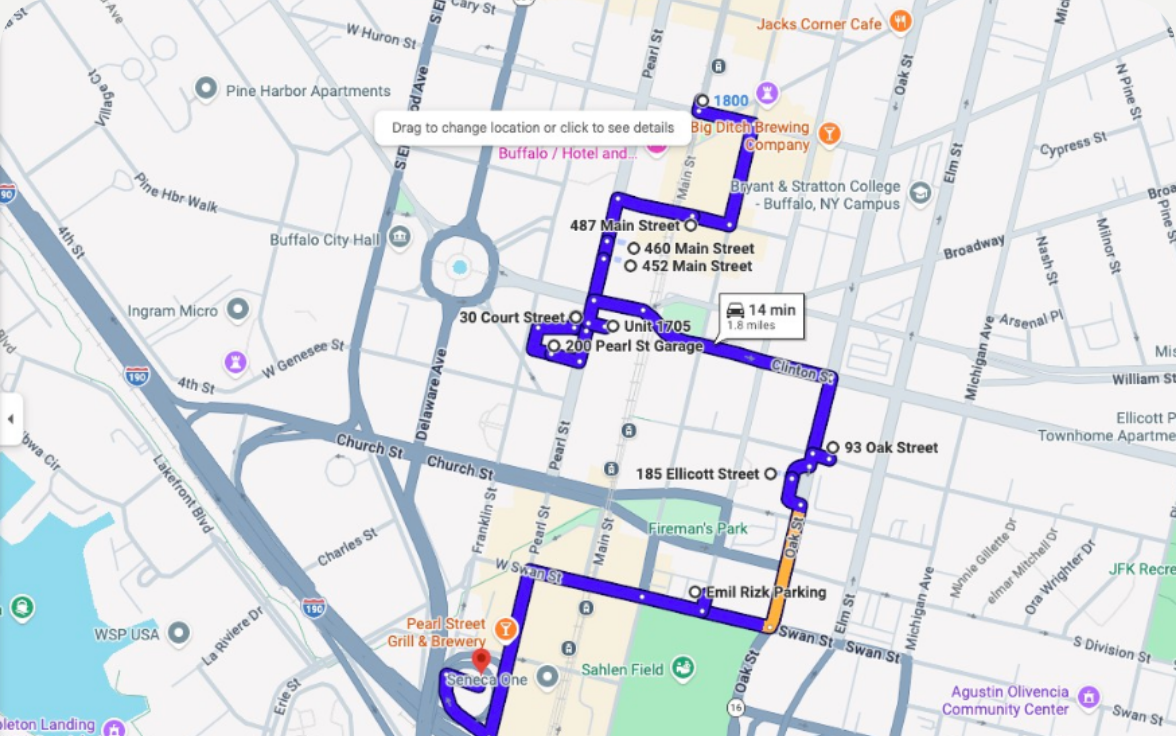
Compute the fastest route, save it, and share it with your crew.
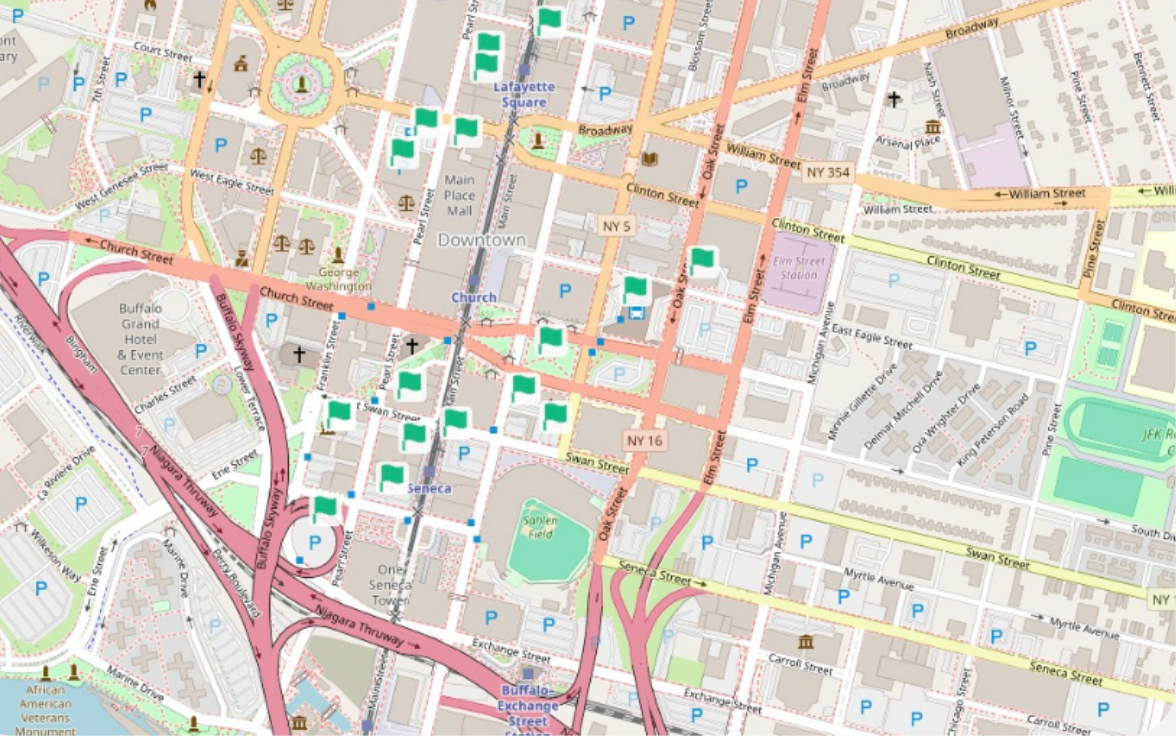

Tap a stop, fill out the form, done. A checkmark confirms it.

Pick up right where you left off. Saved routes are always there.

Keep working when service drops. Everything syncs once you're back online.

Frequently Asked Questions
Service line verifications, replacements, and sample kit drop-offs. Our initial goal is to support LCRI compliance, but other use cases may be considered.
Yes. The app works offline and syncs automatically once a connection is available, so spotty service in the field doesn't slow your crews down.
Yes, our standard use cases sync directly to the 120Water platform. Custom forms built for other activities don't currently sync automatically.
Yes, but it must be scoped by our team. There's no limit on fields, sections, or structure, so your team can configure forms for whatever work you're tracking beyond the standard verification and replacement flows.
120Field is powered by TeamSolve, a field operations technology company we partnered with to bring this to our customers faster.